
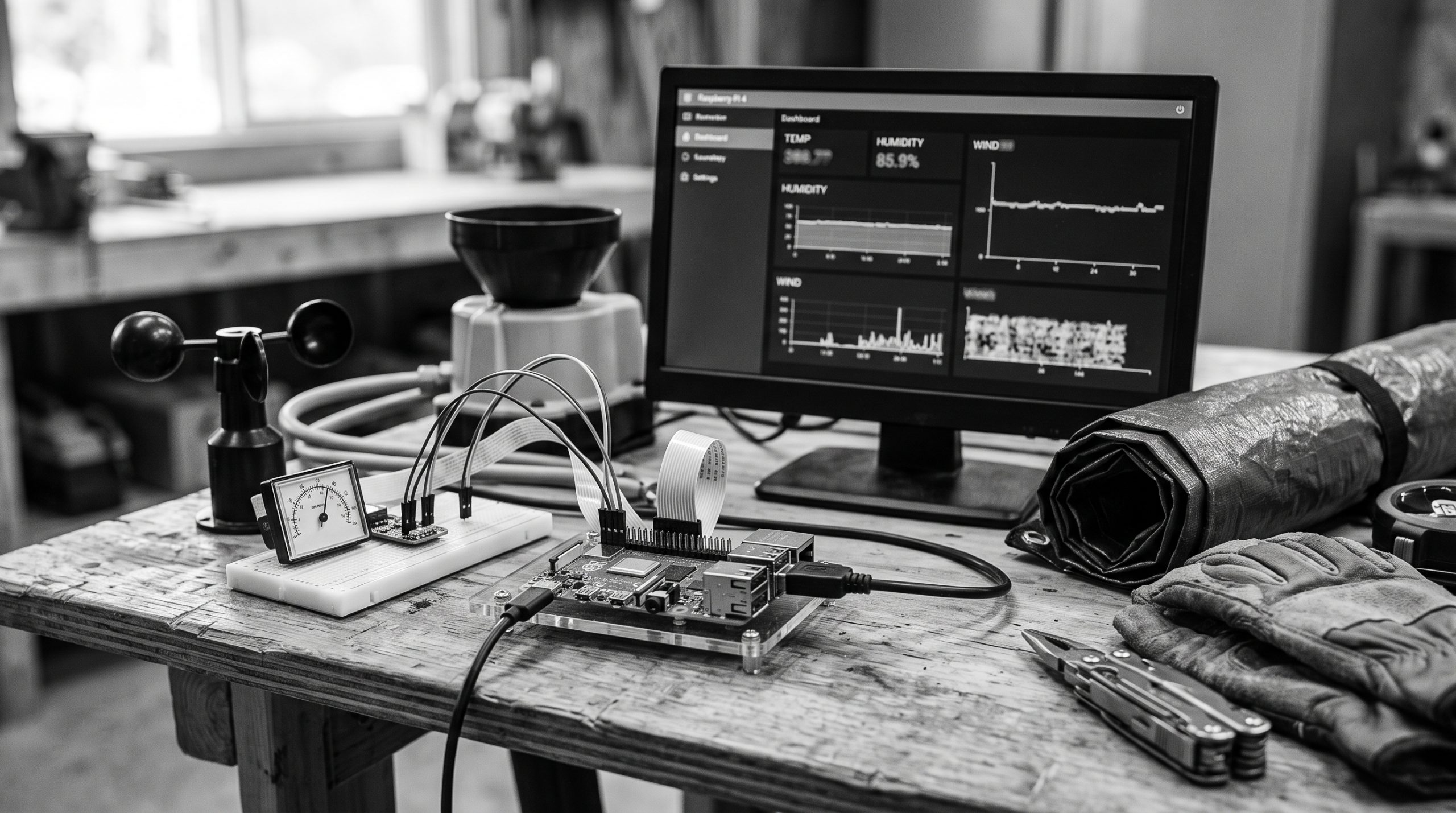
Build a small weather station that reads a DHT22 from a Raspberry Pi, sends temperature and humidity to a private collection, and displays the latest values in a dashboard.
What you need
- Raspberry Pi with GPIO and network access
- DHT22/AM2302 breakout module
- Three compatible jumper wires
- Raspberry Pi OS and Python 3
- Meow Meow Scratch account and app API key
See the recommended hardware guide for catalogue matches. Product links are optional affiliate recommendations; reuse compatible hardware you already own.
Electrical and compatibility safety
Follow the project repository’s current wiring diagram and verify the labels on your sensor module. Pin order varies between breakout boards. Use the Pi’s 3.3V logic, disconnect power before changing wires, and keep the indoor sensor away from heat, rain and condensation.
Create the API destination
Create a private app named Weather Station with a collection endpoint named readings. Add required Number fields named temperature and humidity. Create an app API key with only Read and Write scopes for this app.
Prepare Python
python3 -m venv .venv
source .venv/bin/activate
python -m pip install meow-sdk
Use the sensor library and GPIO setup documented in the maintained pi-weather-station repository. Do not copy an unverified pin number from another DHT22 board.
Read and validate one sample
temperature, humidity = read_dht22()
if temperature is None or humidity is None:
    raise RuntimeError("DHT22 read failed")
if not (-40 <= temperature <= 80 and 0 <= humidity <= 100):
    raise ValueError("sensor value is outside the expected range")Code language: JavaScript (javascript)
Configure the credential safely
export MEOW_PLATFORM_API_KEY="YOUR_PLATFORM_TOKEN"
export MEOW_APP_API_KEY="YOUR_APP_API_KEY"
export MEOW_USERNAME="YOUR_USERNAME"Code language: JavaScript (javascript)
For the collector, prefer the app-scoped key. Keep it outside the source file and restrict its filesystem permissions. Never commit it to Git or print it in logs.
Send the reading
from meow_sdk import Meow
import os

api = Meow(api_key=os.environ["MEOW_APP_API_KEY"], timeout=30)
created = api.send("weather-station", "readings", {
    "temperature": round(float(temperature), 1),
    "humidity": round(float(humidity), 1),
})
print(created["uuid"])Code language: JavaScript (javascript)
Expect a record UUID and a successful create response. Read it back through the collection URL before building the dashboard.
Build the dashboard
- Create a new control panel named Weather Dashboard.
- Add display widgets bound to the latest
temperatureandhumidityvalues. - Keep the panel private while testing.
- Open the panel and confirm that a fresh reading appears after the next collector run.
Run the collector reliably
Run one reading every five minutes or another interval appropriate to the sensor. Add a timeout, bounded retries for transient network failures, and logs that include timing and status but never credentials. Use a service manager for a long-running deployment and test restart behavior.
Troubleshooting
- No sensor value: recheck module labels, GPIO selection, power and physical connections.
- 400: confirm field names, numeric JSON values and schema requirements.
- 401/403: confirm the app key, scopes, app ownership and private endpoint access.
- 429: slow the collector and retry with exponential backoff.
- Dashboard is stale: inspect the collector log and confirm a new record UUID is created.
Next step
Review the production checklist before exposing the device or dashboard beyond your private network.