
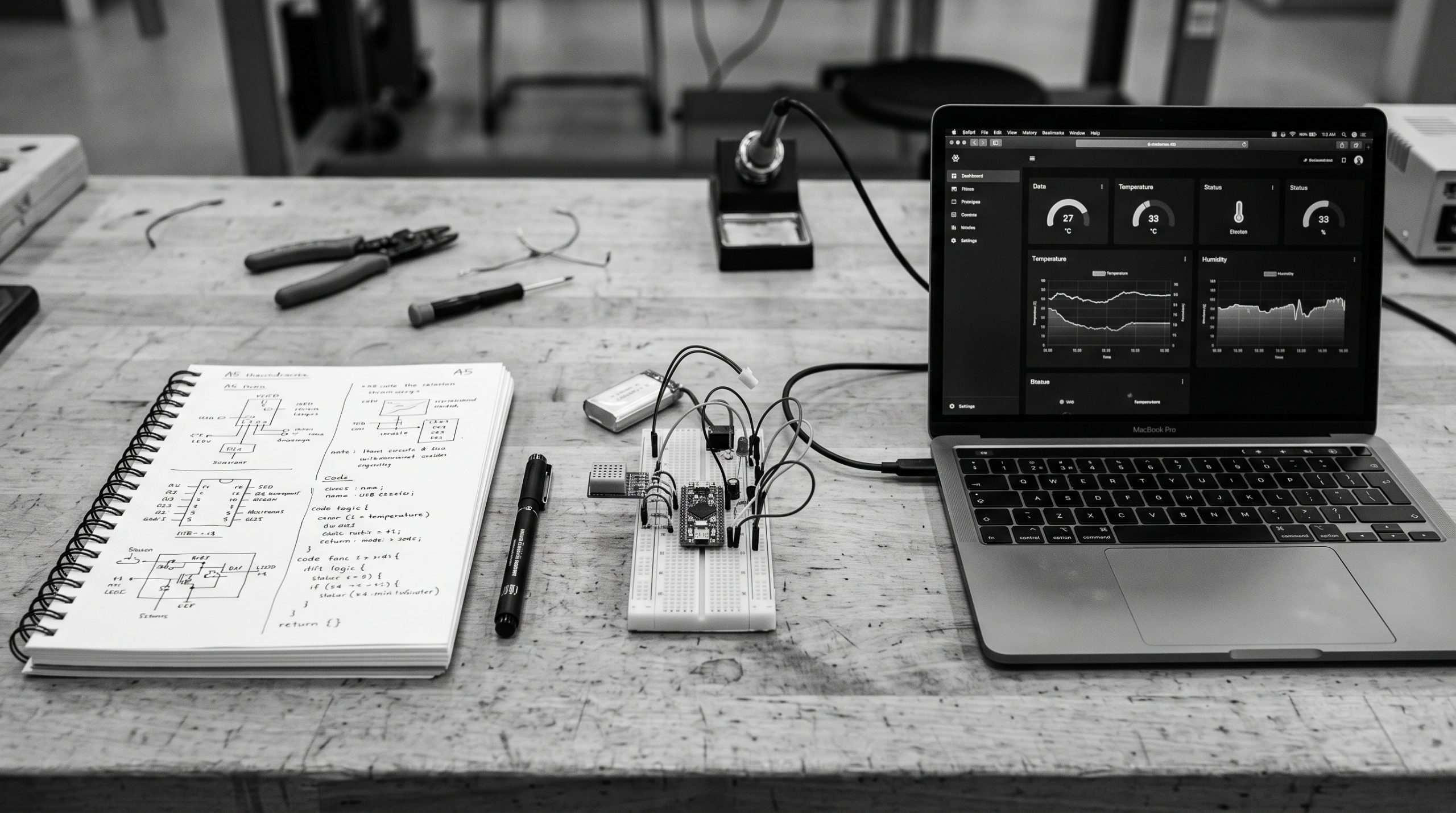
Meow Meow Scratch lets you choose a software-only, Raspberry Pi, or AI-agent route. Start with the smallest route that delivers the result you want, then add hardware or automation when the foundation works.
The three routes
| Route | Prerequisites | First result |
|---|---|---|
| Software first | Account and terminal | Private API with a reading |
| Raspberry Pi | Pi, sensor, wires and network | Physical reading uploaded to an API |
| AI/MCP | Compatible agent and platform token | Agent discovers and works with resources |
Recommended first route: no hardware
- Create a private Weather Station app.
- Add a Readings collection and required numeric temperature field.
- Create an app API key.
- Send one JSON record with curl.
- Read it back and inspect the status code.
Add hardware after the API works
Once the software loop is clear, connect a Raspberry Pi and DHT22 using the weather dashboard tutorial. This isolates wiring problems from API problems.
Use an agent when the model is clear
Connect an AI agent through the MCP guide after you understand the resources and approval boundaries. Use a platform token for account-wide discovery and keep destructive actions behind confirmation.
What success looks like
Do not measure your first session by how many tools you install. A successful first session ends with one visible result: a record returned by an API, a sensor value displayed in a dashboard, or a read-only agent discovery. Record the exact version and next failure you need to solve.
Next step
Choose one route and complete its first result: build the software API, choose hardware, or connect MCP.