
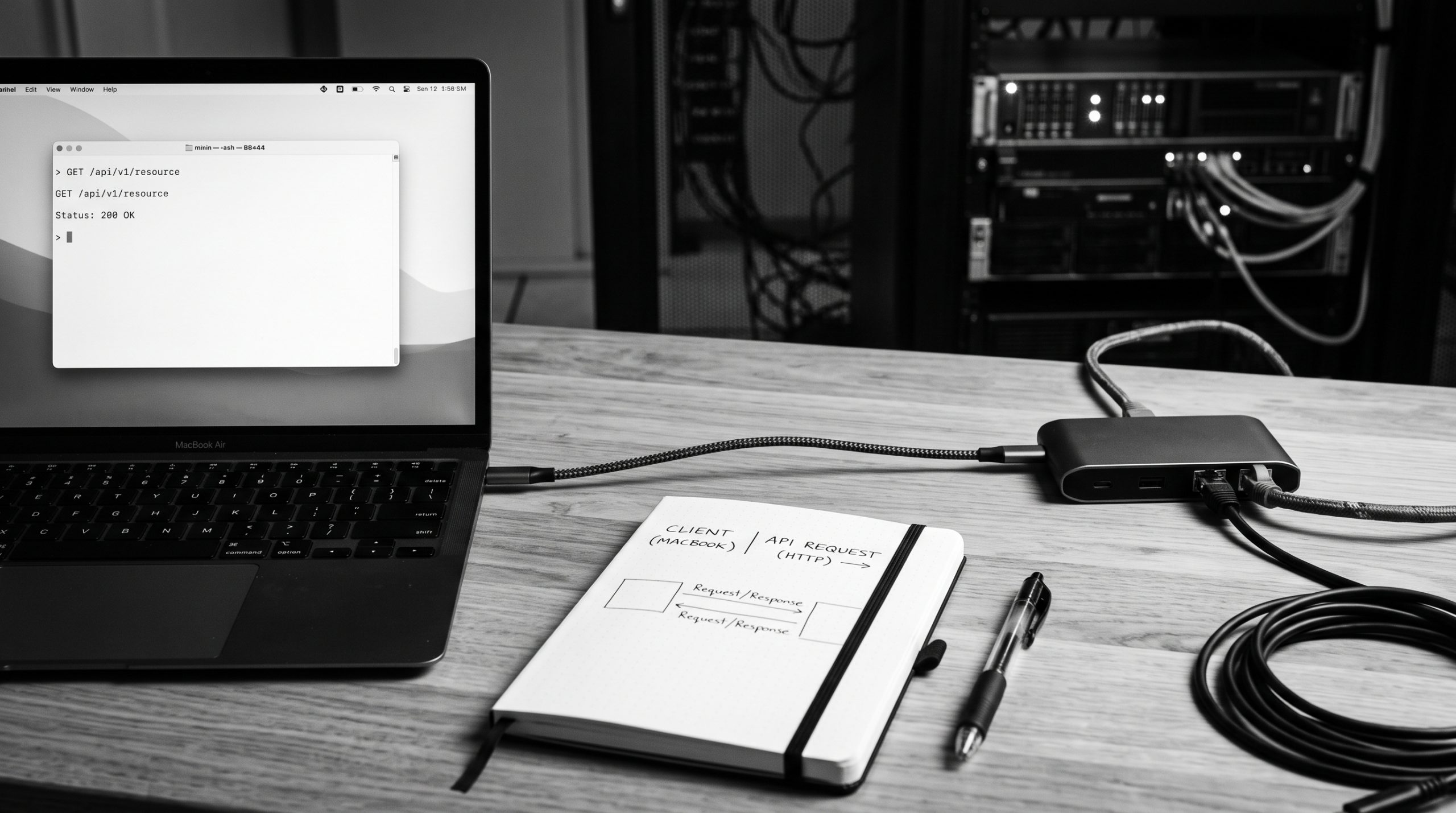
An API is a defined way for one program to ask another program for data or an action. You send a request to an endpoint; the service checks the request and returns a response.
That request-and-response loop powers dashboards, mobile apps, payment systems, Raspberry Pi projects, and AI tools. You do not need to operate a backend to learn the pattern: you need a clear URL, method, credential, data shape, and expected result.
The five parts to recognise
| Part | Question it answers |
|---|---|
| URL | Where is the resource? |
| Method | What operation do I want? |
| Headers | What context or credential must travel with it? |
| JSON body | What data am I sending? |
| Status and response | What happened, and what data came back? |
POST /api/apps/weather-station/endpoints/readings/records/
Authorization: Bearer YOUR_APP_API_KEY
Content-Type: application/json

{"data":{"temperature":22.5}}Code language: JavaScript (javascript)
The example asks the Weather Station app to create one reading. A successful create returns a status such as 201 Created and a record identifier. The exact route and body are part of the API contract; they are not guesses a client should improvise.
What should you learn next?
| If you need to… | Read this next |
|---|---|
| Understand URL paths and resources | What Is an API Endpoint? |
| Read and write request data | What Is JSON? |
| Choose GET, POST, PATCH or DELETE | HTTP Methods Explained |
| Interpret the result | HTTP Status Codes Explained |
| Make the request from a terminal | Make Your First API Request with curl |
| Use Python instead of curl | Install the Meow SDK |
| Connect a physical sensor | Build a Raspberry Pi Weather Dashboard |
A first API project without hardware
The fastest way to make the idea concrete is to create a private Weather Station app with a Readings collection and one required Number field named temperature. You can then send a reading from a terminal and retrieve it again.
- Create the private app and collection in the web app.
- Create an app API key with only the Read and Write scopes required for the exercise.
- Use
curlto send one JSON record. - Read the collection URL and inspect the status and response.
- Change one value and observe how the response changes.
Keep the key in an environment variable, not in the command pasted into a public issue or repository. If the request fails, start with the URL and status code before changing the application.
The larger journey
- Model data: choose a collection for history or a static payload for current state.
- Build a client: use curl for a quick probe, the SDK for Python, or MCP for an approved agent workflow.
- Connect a project: send readings from a Raspberry Pi and display the latest value in a dashboard.
- Operate safely: add scoped credentials, timeouts, retries, monitoring, and recovery before production use.
Use the canonical API lessons for the complete product reference, route details, limits, and current examples. These guides add a task-focused path through that reference.
Choose one next action
New to APIs? Start with endpoint anatomy. Ready to run a command? Use the curl walkthrough. Building hardware? Follow the hardware guide before the weather dashboard.