
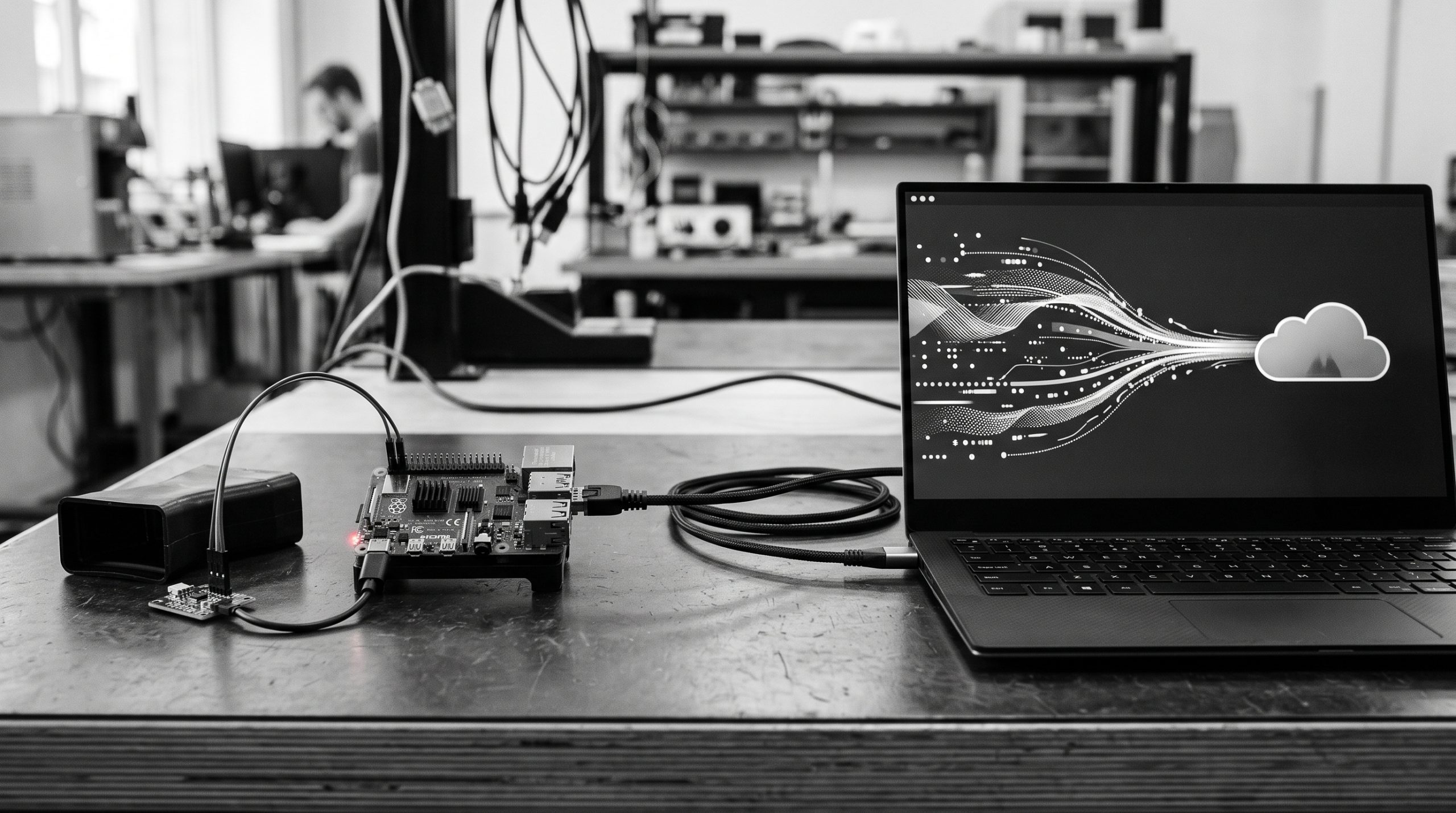
The reusable part of a sensor project is the upload loop: read a value, validate it, shape a small JSON payload, authenticate with the narrowest key, send it, and handle the response. This guide explains that pattern without repeating the complete DHT22 wiring tutorial.
The ingestion pipeline
sensor reading → validation → JSON payload → authenticated POST → status checkCode language: JavaScript (javascript)Keep hardware-specific code on the left and API-specific code on the right. That separation lets you replace a DHT22 with another sensor without redesigning the endpoint or retry policy.
Create a matching collection
Create a private collection whose field names and types match the payload. For the weather example, use required Number fields named temperature and humidity. The collector should send numbers, not formatted strings.
Read and validate locally
reading = sensor.read()
if reading is None:
    raise RuntimeError("sensor read failed")

temperature = float(reading.temperature)
humidity = float(reading.humidity)
if not (-40 <= temperature <= 80 and 0 <= humidity <= 100):
    raise ValueError("reading is outside the expected range")Code language: JavaScript (javascript)
Validation protects the API and keeps obviously bad readings out of the history. Add sensor-specific bounds only when the hardware documentation supports them.
Shape and send the payload
payload = {
    "temperature": round(temperature, 1),
    "humidity": round(humidity, 1),
}
created = api.send("weather-station", "readings", payload)
print(created["uuid"])Code language: PHP (php)
Use an app API key stored outside the source file. Set a request timeout, and treat 201 Created as the successful create result. Save the UUID if the collector needs to reconcile the write.
Handle failures deliberately
| Failure | Action |
|---|---|
| Sensor read fails | Do not send; log locally and try the next interval. |
400 | Fix field names, types, or bounds; do not retry unchanged. |
401/403 | Check key presence, scopes, endpoint visibility and ownership. |
429 | Back off and reduce the collection frequency if necessary. |
500/503 | Retry a bounded number of times, then retain the reading locally. |
Keep the collector safe
Never log the bearer token. Use one app-scoped credential per device, rotate it after suspected exposure, and run the process under a service manager with a bounded interval. Monitor memory, disk, time drift and the age of the last successful upload.
Next step
For the complete physical build, including DHT22 wiring and dashboard setup, use Build a Raspberry Pi Weather Sensor Dashboard. For the API model, see Collection Endpoint vs Static Payload.